Easyimate / Whiteboard animation
Whiteboard animation, drawn for you from a single sentence
Type what the video should explain, or paste your script. Easyimate writes the storyboard, draws every scene stroke by stroke on a clean whiteboard, and adds a natural voiceover, music and captions.
30 free credits · No credit card · No software to install
“Think of an API like a waiter in a restaurant…” — from a 7-line script, 22 seconds, unedited.
What is whiteboard animation?
Whiteboard animation is a video style in which simple drawings appear on a white background as if a hand were sketching them, in time with a narrator. Each idea is drawn at the moment it is explained, so viewers follow the reasoning step by step instead of reading a slide.
That is why the style is common for product explainers, onboarding videos, lessons and YouTube channels that teach. It is also known as a doodle video or a sketch video.
Making one by hand means writing a script, finding or drawing every image, placing it on a canvas, setting the draw order and timing, then recording and syncing a voice. Easyimate does those steps for you and leaves you the decisions.
How to make a whiteboard animation in three steps
You approve every step. Nothing is rendered until the script and storyboard look right.
Describe the video
One sentence or a full script. Choose a length from 15 seconds to 30 minutes, the audience and one of 21 voices.
Shape the storyboard
Easyimate plans what is drawn on each line. Rewrite any line, change labels, swap props and characters, or ask for a scene to be redone.
Preview and export
Watch a quick preview with the real voiceover, then download an MP4 in up to 4K at 60 fps, plus an SRT caption file.
Everything a whiteboard video needs, in one place
No stock footage, no timeline to wrestle with.
Scenes drawn live
Every character, prop and label is drawn by hand on screen, timed to the line that mentions it.
People and props
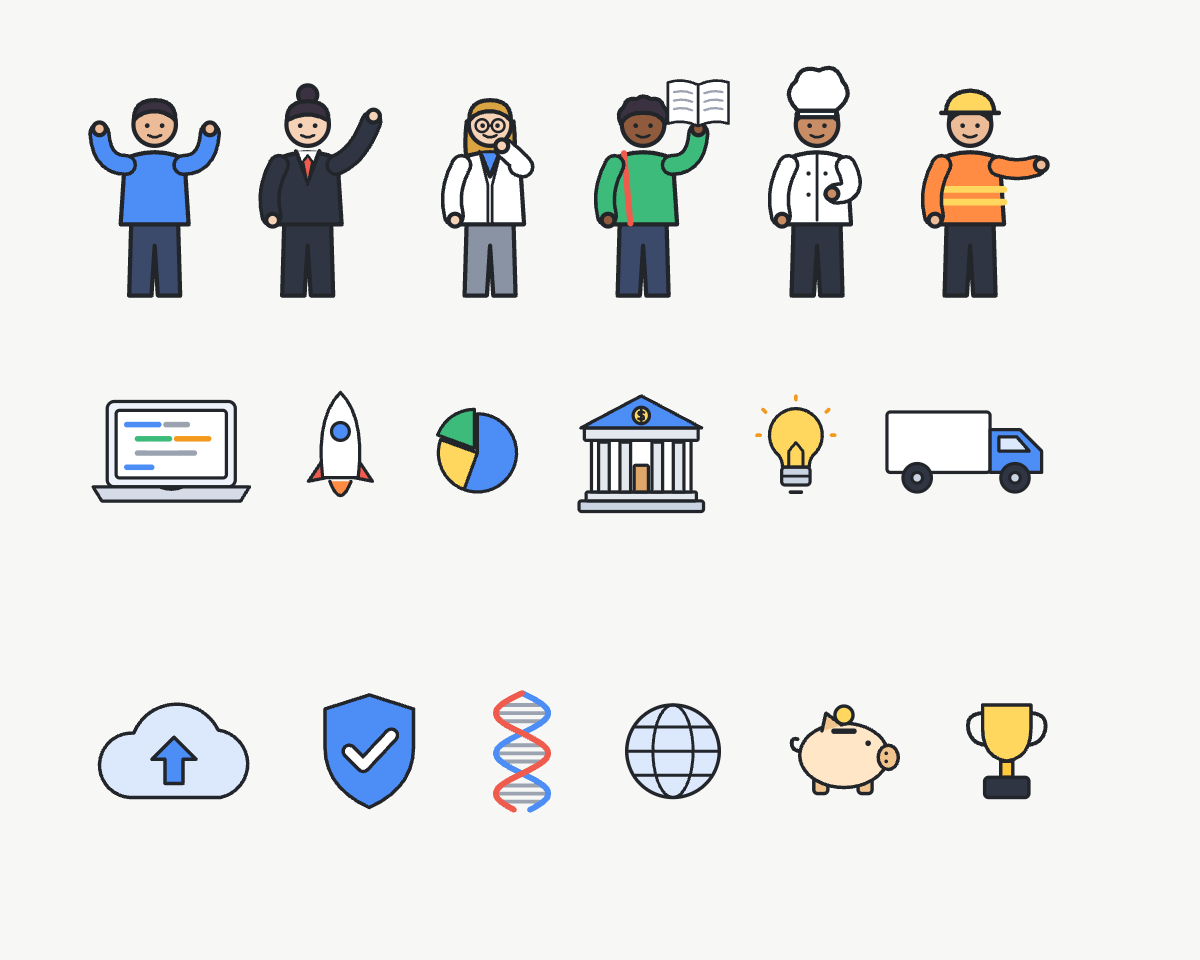
Characters in 11 outfits and 8 poses with any skin tone, plus devices, buildings, money, and math, science and biology drawings.
Natural narration
Warm, clear voices in American, British and Australian accents. Click a voice to hear it before you choose.
Scored for each video
A music bed is generated for every video and mixed under the voiceover.
Short clips to full lessons
Videos over five minutes start from a chapter outline you can edit, then each chapter is written and joined.
Ready to publish
Export 720p, 1080p, 2K or 4K at 30 or 60 fps, with captions as a separate SRT file.
Whiteboard animation examples
Unedited exports. The script, drawings, voiceover and music all came out of Easyimate.
A drawing library built for explaining
The illustrations are designed to read clearly at a glance: bold outlines, a few flat colours and handwritten labels, placed where they help the explanation.
- Arrows, speech bubbles and labels placed automatically
- Key words circled as the narrator says them
- The camera moves between panels and pulls back for a final overview
Tips for a better whiteboard script
- One idea per scene. If a line needs two drawings to make sense, split it into two lines.
- Use a running analogy. A waiter for an API, a tunnel for a VPN — one picture the viewer can follow through the whole video.
- Plan about 150 words a minute. That is a comfortable narration pace; Easyimate shows the estimated length of your script as you edit.
- Name the thing you want drawn. Concrete nouns — a phone, a bank, a delivery truck — become clearer drawings than abstract ones.
- End on the takeaway. Videos with two to four panels finish with a pull-back overview, so the last line should sum up the idea.
What a whiteboard animation costs
Easyimate uses credits that scale with length. Editing text and drawings yourself is always free; if a step fails, its credits come back automatically.
| Video length | Credits, brief to 1080p export | Fits in |
|---|---|---|
| 30 seconds | About 22 | The free 30 credits (720p, watermark) |
| 3 minutes | About 77 | Starter, $19/month — 250 credits |
| 10 minutes | About 247 | Starter, $19/month — 250 credits |
| 30 minutes | About 727 | Pro, $89/month — 1,500 credits |
Estimates include one AI rewrite and two previews. Yearly plans save 20%. Top-up credits never expire. See all plans.
Questions
What is whiteboard animation?
Whiteboard animation is a video style in which simple drawings appear on a white background as if sketched by hand, usually in time with a narrator. It is widely used for explainer videos, lessons and marketing because each idea is drawn at the moment it is explained.
How long does it take to make a whiteboard animation with Easyimate?
The script and storyboard take about a minute to generate. A preview with the real voiceover takes about a minute for a short video, and the final export a few minutes. Longer videos take longer to render.
Can I use my own script?
Yes. Paste your script and Easyimate keeps your words, then plans and draws the scenes around them. You can also start from a one-line topic and let Easyimate write the script.
Is there a free whiteboard animation maker?
Easyimate is free to try: new accounts get 30 credits after email verification, enough for one short whiteboard video exported in 720p with a small watermark. Paid plans start at $19 a month and remove the watermark.
Can I use the videos commercially?
Yes. Videos exported on a paid plan have no watermark and can be used in ads, on websites, in courses and on social media.
What is the difference between a whiteboard animation and a doodle video?
They are the same style under different names. Doodle video usually refers to the hand-drawn look; whiteboard animation emphasises the white background and the drawing hand. Easyimate makes both.
Comparing tools? See Easyimate vs Doodly vs VideoScribe.
Your first whiteboard animation is one sentence away
Make a whiteboard animation free30 free credits · No credit card